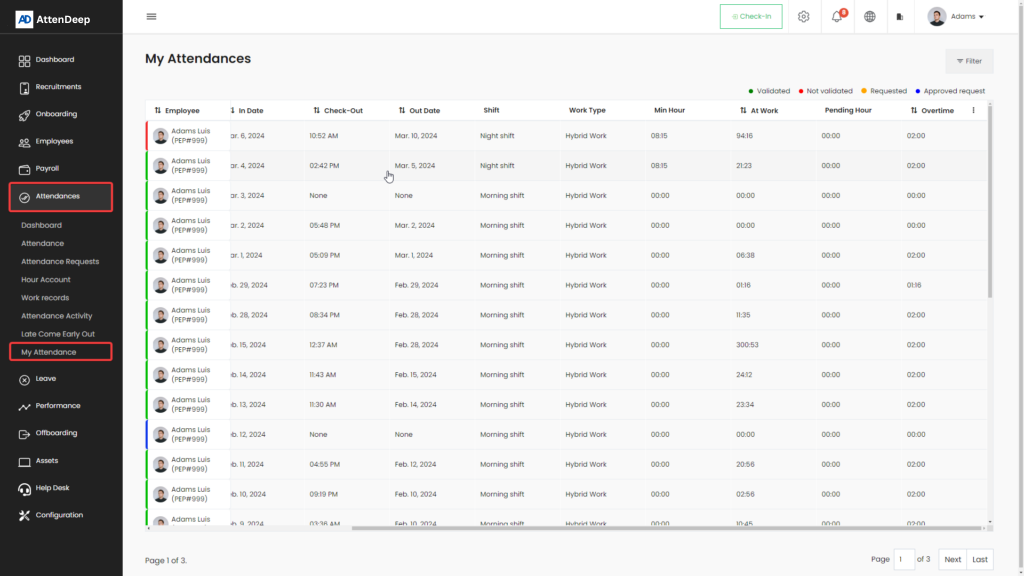
Attendance
The attendance module in AttenDeep helps you easily track and manage employee attendance. Employees can mark their attendance using a secure check-in/check-out system, including biometric devices. It tracks working hours, overtime, late arrivals, early departures, and handles common issues like missing check-outs or attendance errors.
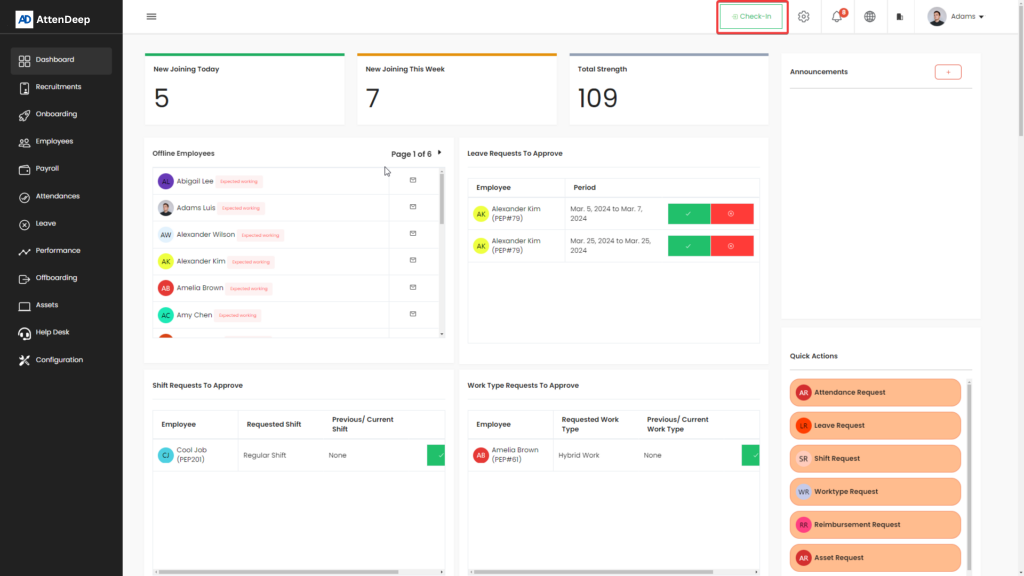
Check-In / Check-Out
Employees use this feature to mark their daily start and end time. These records help calculate total working hours and generate accurate attendance logs.
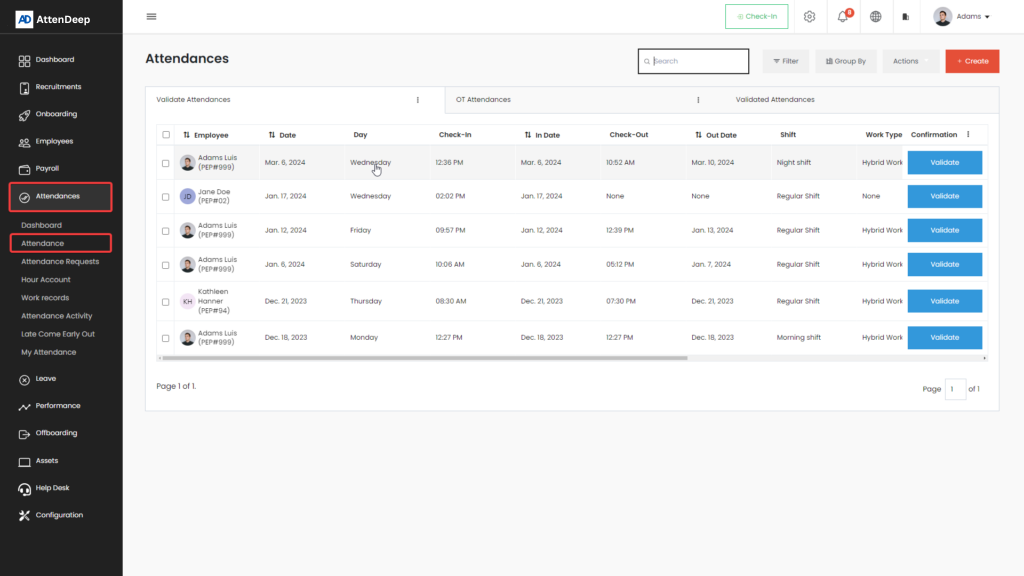
Attendance View
This section shows all attendance records. You can view unverified attendances, approve or reject overtime entries, and see validated records. If there are mistakes (like someone forgetting to check out), it’s easy to verify or correct them.
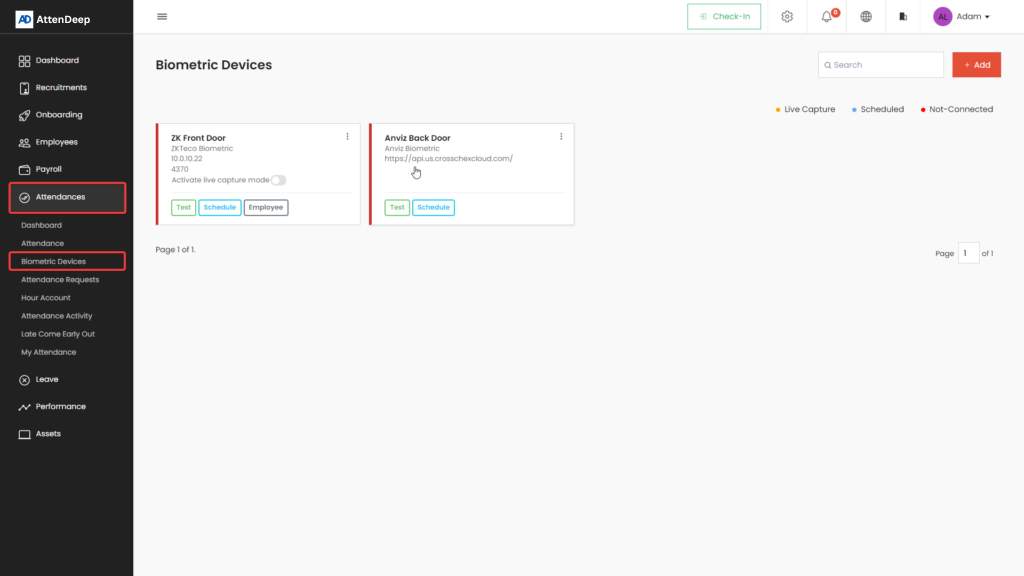
Biometric Devices
AttenDeep works smoothly with biometric systems like ZKTeco and Anviz. You can sync employee data and attendance records directly from the device, and even add new employees from within the AttenDeep dashboard.
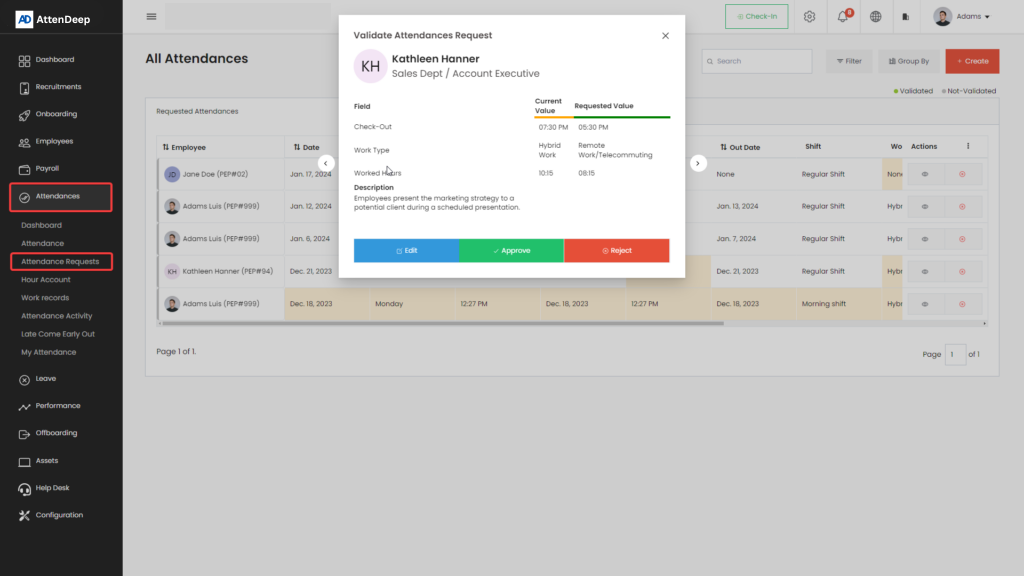
Attendance Requests
Sometimes employees forget to check in or out. With this feature, they can request changes to their attendance. They can either edit existing entries or create new ones — all through the system.
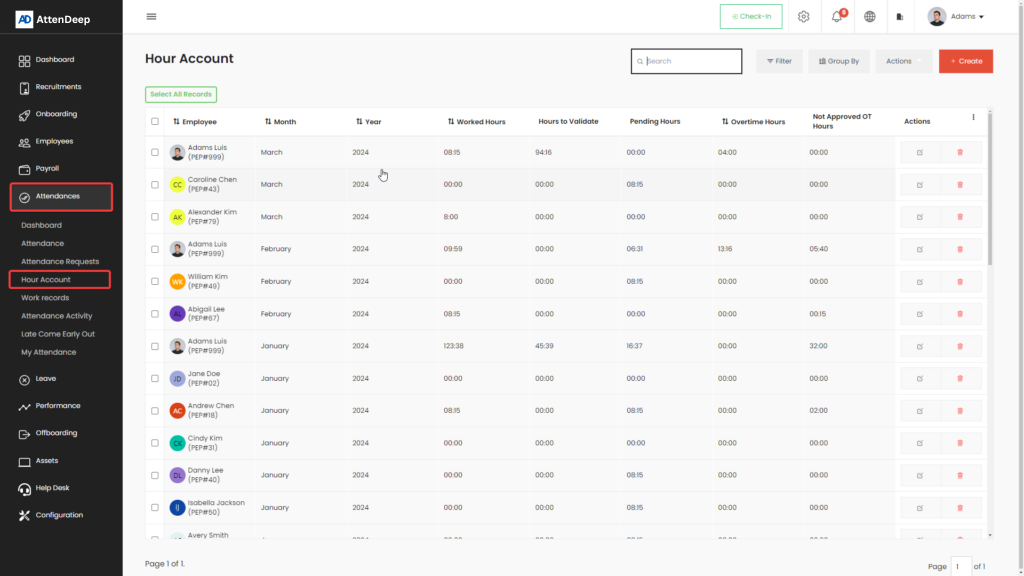
Hour Account
See how many total hours an employee has worked — monthly or yearly. This helps track performance and manage workload.
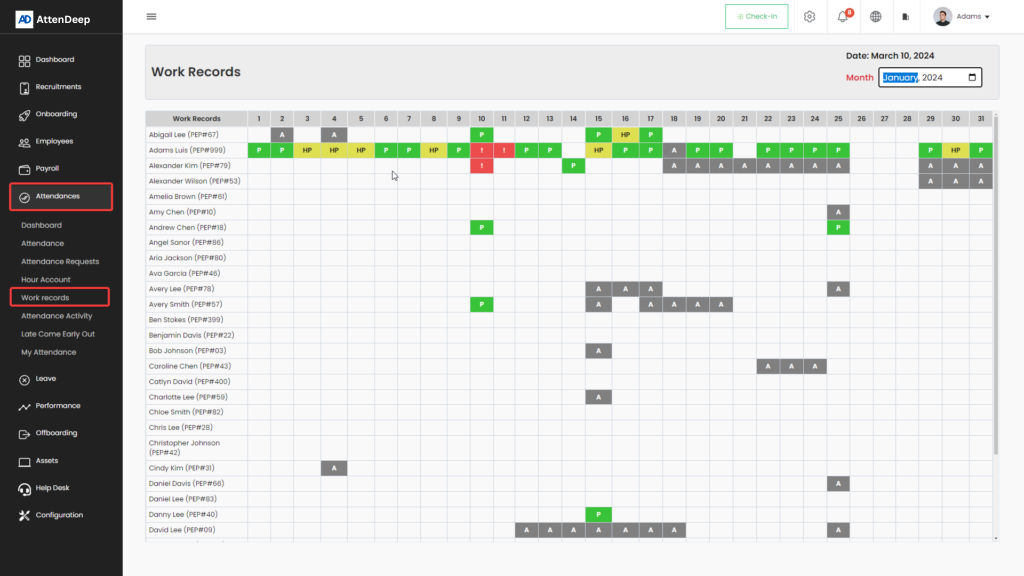
Work Records
This shows a complete monthly summary of attendance status like present, absent, half-day, validated, etc., in a clean, organized format.
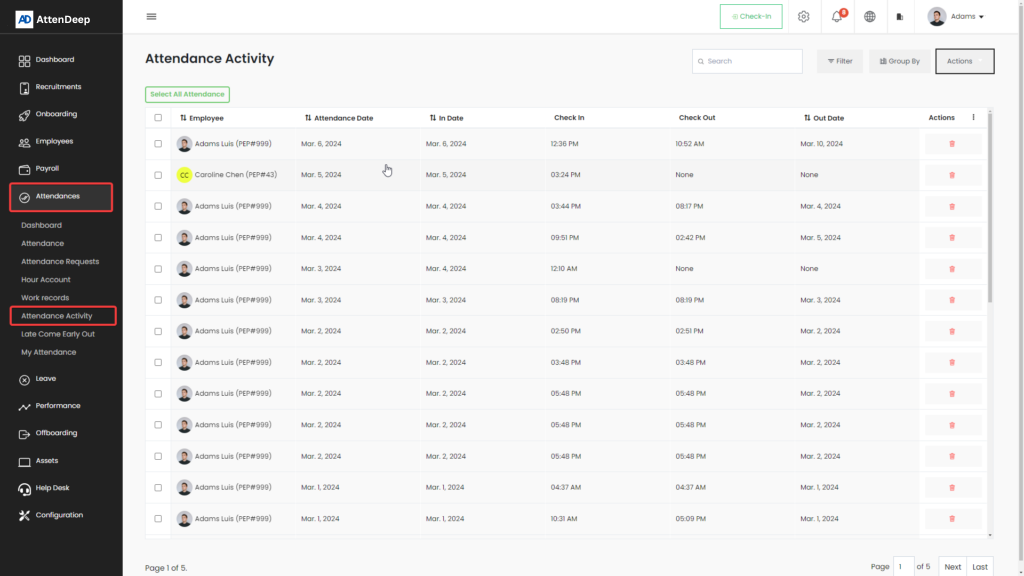
Attendance Activity
View all the attendance-related actions like check-ins, check-outs, and biometric entries. This page helps keep all activities organized and easy to follow.
Late Come / Early Out
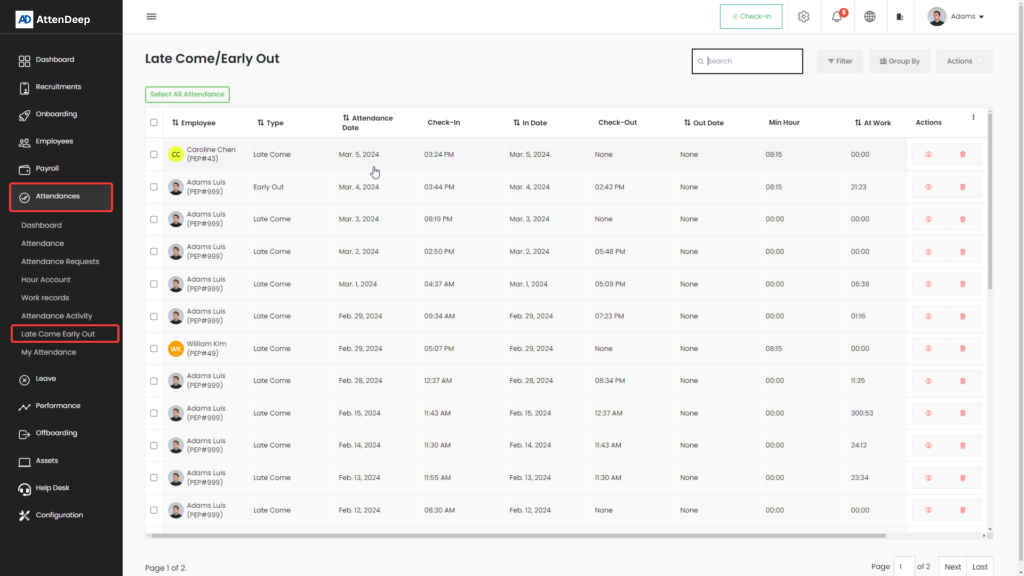
The system detects if an employee arrives late or leaves early by comparing their check-in/out with their assigned shift times.
My Attendance
This page is for individual employees to check their past attendance records, especially useful for those without admin access.